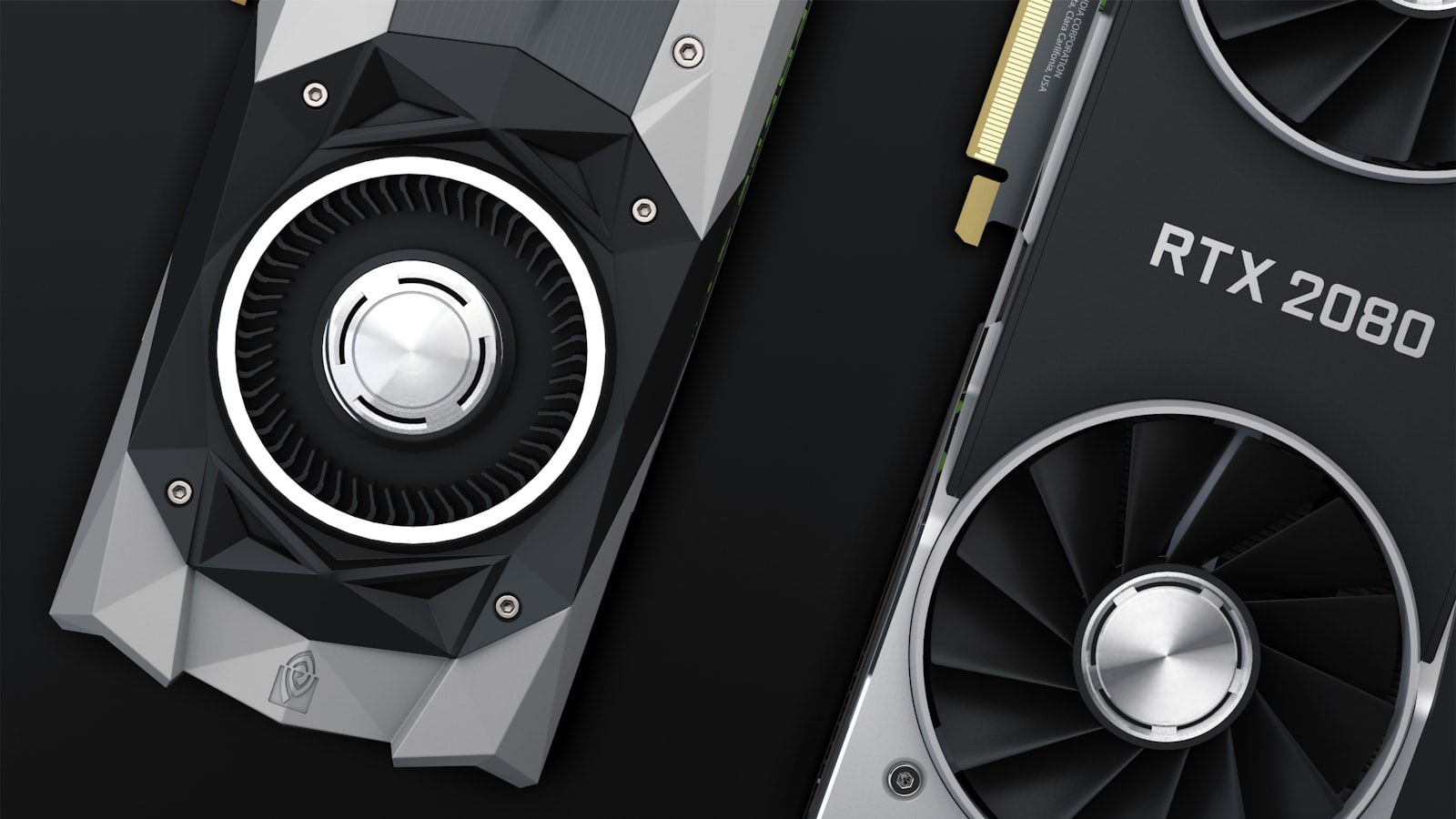
The single most common mistake I see when someone messages me about a new graphics card is that they start with the GPU. They fixate on a model, a memory number, a benchmark chart, and only later mention, almost in passing, that they're gaming on a 1080p 75Hz panel they bought in 2019. The card should be the answer, not the question. So before we talk silicon, let's talk about the screen you're actually feeding.
Start With Your Monitor, Not the Card#
Your monitor sets the ceiling on what a GPU can meaningfully deliver. A graphics card's job is to produce frames; your display decides how many of those frames you'll ever see and at what fidelity. Overshoot that ceiling and you're paying for performance that evaporates into an unused buffer.
The two numbers that matter most are resolution (how many pixels the card has to draw) and refresh rate (how many finished frames the panel can show per second). Resolution drives how hard each individual frame is to render. Refresh rate sets your practical frame-rate target. A 4K panel asks the GPU to shade roughly four times the pixels of 1080p, and a 165Hz panel wants more than double the frames of a 75Hz one. Multiply those demands together and you understand why "the best card" is entirely relative to the box on your desk.
A quick sanity check I use with friends:
- 1080p, 60-75Hz: entry tier. You want smooth, not spectacular.
- 1080p high-refresh (144Hz+) or 1440p 60-75Hz: the sweet-spot mainstream tier.
- 1440p high-refresh (144-165Hz): upper-mainstream, the tier most enthusiasts actually live in.
- 4K 120Hz+ or ultrawide high-refresh: high end, and genuinely demanding.
Find your row first. Everything below hangs off it.
The 2026 GPU Tiers, Translated#
Rather than name specific SKUs that will be stale by next quarter, I think in tiers by capability, because that framing survives each new launch. Vendors rebrand and reprice constantly; the tiers stay honest.
Entry Tier#
These cards target crisp 1080p at 60fps in most titles, with settings dialed from high toward medium in the heaviest games. They're the right call for esports-first players, family PCs, and small-form-factor builds where power and heat are tight. Don't expect to max ray tracing here, and don't try to drive a 1440p panel with one long-term.
Mainstream Tier#
This is where the value lives, and where I steer most buyers. Mainstream cards handle 1080p high-refresh comfortably and 1440p at high settings for the vast majority of games. If you own a 1440p 144Hz monitor, this tier plus a little upscaling is the pragmatic target. It's also the tier most likely to be discounted mid-cycle.
Upper-Mainstream / High Tier#
Built for 1440p high-refresh with the settings turned up, including heavier ray-traced titles when paired with modern upscaling. These cards also make a competent 4K/60 option if you're willing to lean on frame generation. Expect a real jump in price for a smaller jump in raw pixels-per-second than the mainstream tier gives you.
Flagship Tier#
For 4K high-refresh, ultrawide, VR, and creator workloads. Flagships are the only cards I'd trust to brute-force native 4K at high frame rates today, and even they increasingly rely on upscaling and frame generation to hit triple-digit numbers in the newest releases. You pay a steep premium for the last slice of performance. Buy here because you have a specific demanding use case, not for bragging rights.
VRAM: The Spec That Ages a Card#
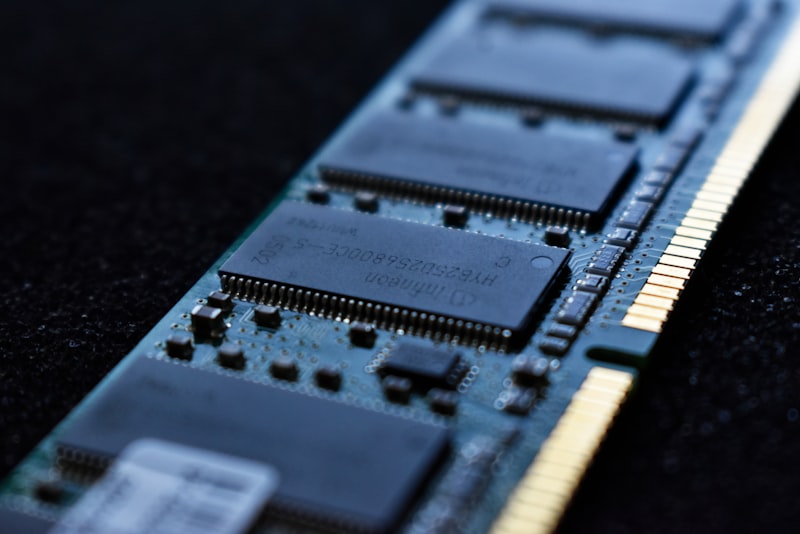
If there's one hardware trend I'd bet on, it's that memory capacity is becoming the quiet dividing line between cards that stay relevant and cards that stutter. Raw compute has grown steadily, but game texture budgets, higher-resolution asset packs, and ray-traced effects have grown faster.
Here's the practical reality I keep running into during testing: an 8GB card can still post a healthy average frame rate at 1440p, then betray you with texture pop-in, hitching, and ugly 1% lows the moment a texture-heavy title exceeds its memory budget. The average looks fine on a chart; the experience feels broken in the chair. That gap between average FPS and frame-time consistency is exactly what VRAM pressure creates.
My rough guidance for 2026 buyers:
- 8GB: acceptable for 1080p and esports; increasingly risky as a 1440p card you intend to keep for years.
- 12GB: a sensible floor for a 1440p card you want to hold onto.
- 16GB: the comfortable choice for 1440p high-refresh and entry-level 4K, with real headroom.
- 20GB and up: relevant for 4K maxed, heavy ray tracing, and creator work like high-res video or 3D.
Capacity isn't the whole story, memory bandwidth and bus width matter too, but if you're choosing between two similar cards and one has meaningfully more VRAM, that's usually the one that ages more gracefully.
Price-Per-Frame Beats Spec-Sheet Bragging#
Cross-shopping brands on raw specs is a trap. Core counts, clock speeds, and architecture names don't translate cleanly between vendors, and even within one lineup the relationship between specs and real performance isn't linear. The metric that actually protects your wallet is price-per-frame: take the street price, divide by the average frame rate in the resolution you care about, and compare.
When I evaluate a card, my rough process is:
- Pull independent benchmark aggregates at my target resolution, not someone else's.
- Weight 1% lows and frame-time consistency alongside the average, because smoothness is what you feel.
- Divide current real price (not MSRP fantasy) by those frames.
- Sanity-check the platform cost: power supply headroom, case clearance, and whether a big card forces other upgrades.
The card with the flashiest spec sheet is frequently not the best price-per-frame in its tier, especially near a launch when early pricing runs hot. Patience is a feature.
Don't Forget Upscaling and Frame Generation#
Modern upscaling and frame-generation tech have genuinely changed the buying math, and you should factor them in, carefully. Quality-mode upscaling is close to free performance and I turn it on routinely; it often looks as good or better than native thanks to improved anti-aliasing. Frame generation is more situational. It's excellent for pushing an already-decent frame rate higher on a high-refresh panel, but it adds a little input latency and can introduce artifacts, so I don't treat generated frames as equivalent to real ones when comparing cards.
The honest caveat: feature support varies by vendor and by game, and a card that leans heavily on frame generation to look good in marketing may feel less impressive in the specific titles you play. Check that the games you actually care about support the features you're paying for.
Matching It All Together#
Let me collapse everything into the recommendation I'd give across the counter:
- 1080p 60-75Hz: entry tier, 8GB is fine, prioritize a quiet cooler and low power draw.
- 1080p 144Hz+ / 1440p 60Hz: mainstream tier, aim for 12GB, this is the best-value zone.
- 1440p 144-165Hz: upper-mainstream tier, target 12-16GB, lean on quality upscaling.
- 4K 120Hz+ / ultrawide / VR: high or flagship tier, want 16GB minimum and ideally more.
Two universal caveats. First, check your power supply and case before you fall in love with a card, a great GPU that trips your PSU or doesn't physically fit is a return waiting to happen. Second, buy for the monitor you own or are about to own, not a hypothetical future 4K panel; it's usually smarter to buy the right card now and upgrade later than to overspend on headroom you can't currently use.
The Bottom Line#
Pick your monitor's resolution and refresh rate first, map it to a tier, then choose the best price-per-frame card in that tier with enough VRAM to age well. Treat upscaling as a real feature and frame generation as a helpful bonus rather than a core spec. Do that, and you'll walk away with a card that's matched to your screen, kind to your budget, and still comfortable to game on two or three years from now, which is the only benchmark that really counts.