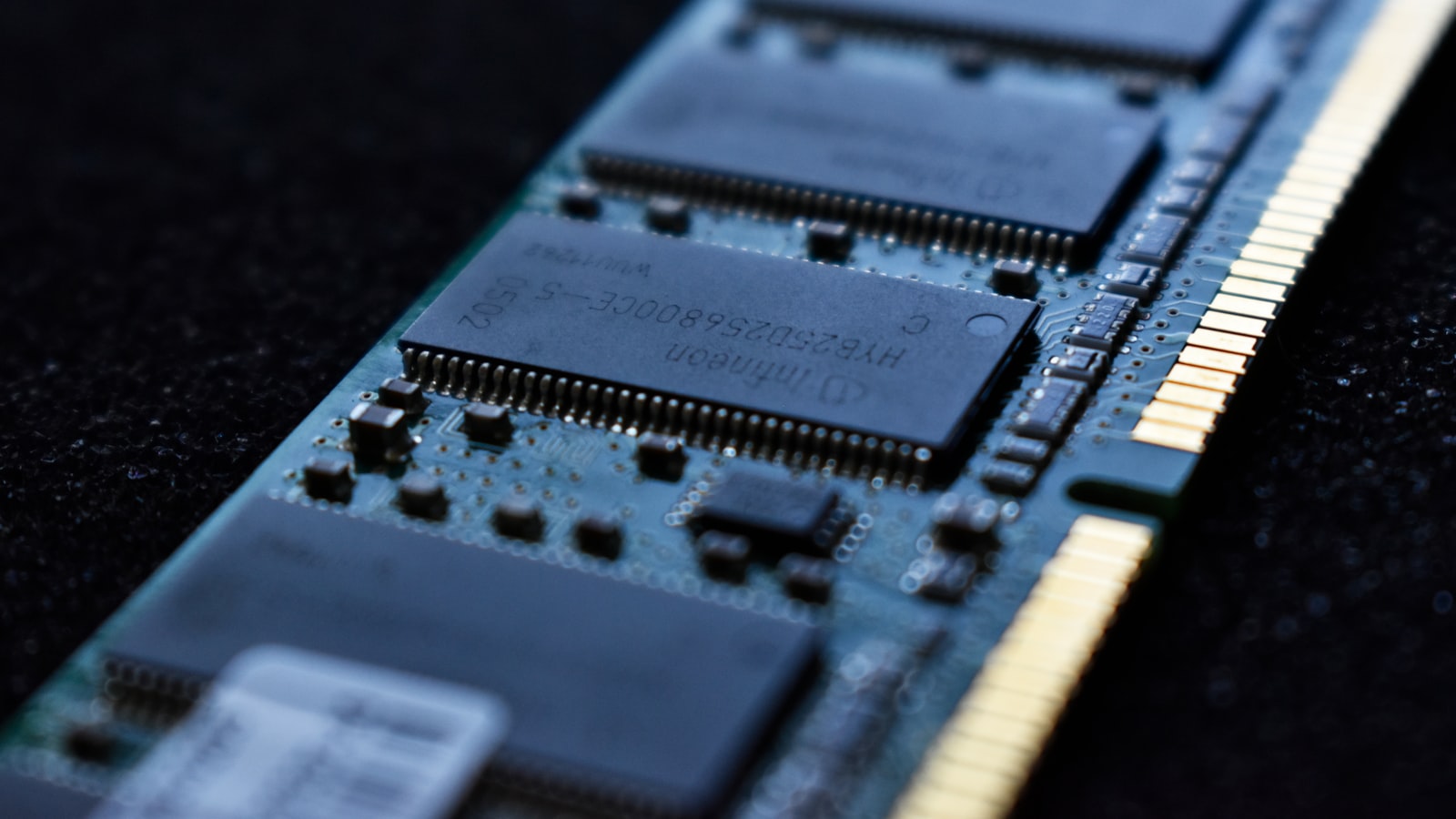
Every time I sit down to benchmark a new memory kit, someone asks the same question: is faster RAM actually worth it, or is it a spec-sheet flex? After enough hours staring at frame-time graphs, I've landed on a boring but honest answer. DDR5 speed and timings do move the needle in games, but only in specific situations, and the gap between a good kit and a hero kit is usually smaller than the price gap between them.
The Two Numbers That Matter#
When you shop for DDR5, you're really looking at two things pretending to be one.
The first is frequency, written as something like DDR5-6000 or DDR5-6400. That number is the data rate in megatransfers per second, and it's the headline everyone fixates on. More is faster, in the loosest sense.
The second is timings, the string that looks like CL30-38-38-96. These are latencies measured in clock cycles. The first number, CAS latency (CL), is the one people quote most. Lower is better, because it means the memory responds in fewer cycles.
Here's the catch that trips up almost everyone: timings are measured in cycles, not in time. A DDR5-6000 CL30 kit and a DDR5-6400 CL32 kit can have nearly identical real-world latency once you do the math, because the faster kit's cycles are shorter. That's why you can't judge two kits by CAS latency alone. You have to consider frequency and timings together, as a package.
A quick way to compare#
If you want a rough sense of true latency without a spreadsheet, divide the CAS latency by the frequency and multiply by 2000. It gives you nanoseconds. Do it for both kits you're comparing and you'll often find they're within a nanosecond or two of each other, at which point the decision comes down to price and stability rather than bragging rights.
Where Fast Memory Actually Shows Up#
This is where first-hand testing matters, because the marketing implies memory speed is a universal upgrade. It isn't.
Memory performance shows up when the CPU is the thing holding your frame rate back. That happens in a few predictable places:
- High-refresh 1080p and 1440p gaming, where you're pushing well past 120 fps and the GPU has headroom to spare.
- Simulation-heavy and strategy titles that hammer the CPU with logic, pathfinding, and physics rather than pretty pixels.
- Games with big open worlds and lots of streaming, where the CPU is constantly juggling assets.
- Competitive shooters where you're chasing every last frame at low settings.
In these scenarios, moving from a slow JEDEC-default kit to a properly tuned enthusiast kit can produce a genuinely noticeable jump in 1% lows, which is the number that actually correlates with how smooth a game feels.
Now the other side. If you play at 4K with the settings cranked, or you're running a mid-range GPU that's already maxed out, memory speed barely registers. The GPU is the bottleneck, the CPU is loafing, and it doesn't care how quickly memory feeds it. I've swapped kits in a 4K test rig and watched the average frame rate move by less than the run-to-run variance. That's not an upgrade, that's noise.
Don't Forget To Turn It On#
I want to spend a whole section on this because it's the single most common mistake I see, and it costs people the performance they already paid for.
When you drop a DDR5-6000 kit into a fresh build and boot it up, it does not run at 6000. It runs at a conservative JEDEC baseline, often DDR5-4800 or DDR5-5600, with loose timings. The rated speed on the box is an overclock profile that has to be enabled in the BIOS.
- On AMD platforms, the profile is called EXPO.
- On Intel platforms, it's XMP.
- Many modern kits ship with both.
Enabling it is usually a single toggle in the BIOS. Boot into it, find the EXPO or XMP setting, pick the rated profile, save, and reboot. That's it. If you skip this step, you've spent money on a fast kit and are running it slow. I've reviewed builds from perfectly competent people who never flipped that switch and were leaving a chunk of their gaming performance on the table without knowing it.
After you enable it, verify with a monitoring tool that the frequency and timings match the box. Occasionally a kit and board won't post at the full profile and quietly fall back, and you want to catch that.
The Sweet Spot Beats The Extremes#
Here's the part the spec chasers don't want to hear. Beyond a certain point, paying more for memory gives you almost nothing in games.
AMD Ryzen and the coupling wall#
On current AMD Ryzen platforms, there's an important quirk. The memory controller runs at its own clock, and above a certain memory speed the system decouples that clock, which adds latency and can actually make things slower or unstable. For most Ryzen builds, the practical sweet spot lands around DDR5-6000 with CL30 timings. It keeps everything running in sync, it's widely validated, and pushing past it usually means fighting your board for a result that's a wash or worse in real games.
Intel's more forgiving ceiling#
Intel platforms are generally more tolerant of high frequencies and will happily run faster kits, so the ceiling before you see diminishing returns is higher. But "will run faster" and "will feel faster in your game" are different claims. The frame-rate gains from very high-speed Intel kits taper off hard, and you pay a steep premium for the last few hundred megatransfers.
The lesson from both camps is the same: there's a knee in the curve where price shoots up and performance flattens. Buy just inside that knee. For most people that means a mainstream 32GB dual-channel kit at the platform's sweet-spot speed, not the most exotic thing on the shelf.
Capacity and Configuration Still Rule#
Speed is the fun part to argue about, but it's not the first thing to get right.
- Capacity comes first. 32GB is the comfortable default for a modern gaming PC. 16GB will run games but leaves no headroom for background apps, browser tabs, and the increasingly memory-hungry titles shipping now. Fast 16GB is a worse buy than slightly slower 32GB.
- Run two sticks, not four, when you can. Two modules make it far easier for the memory controller to hit high, stable speeds. Four sticks, or high-density dual-rank configurations, put more load on the controller and often force you to drop the speed to stay stable. If you plan to run 32GB, a matched two-stick kit is the cleaner path.
- Buy a matched kit, not two separate kits. Modules sold together are validated to run together at the rated profile. Mixing two individually bought kits, even identical models, can post at lower speeds or refuse the profile entirely.
Get capacity and configuration right first. Then optimize speed within whatever budget is left.
What I'd Actually Buy#
Stripped of all the nuance, here's how I'd shop, and roughly how I do it for my own builds:
- High-refresh competitive or CPU-heavy player on AMD: a 32GB (2x16GB) DDR5-6000 CL30 EXPO kit. It's the safe, proven sweet spot and the difference to anything pricier is hard to feel.
- The same player on Intel: a comparable 32GB kit around DDR5-6000 to 6400 with tight timings. You can go higher, but weigh the premium honestly.
- 4K gamer or mid-range GPU build: don't overthink it. Get a reliable 32GB kit at a sensible speed with EXPO or XMP support and spend the savings on your GPU, which is where your frame rate actually lives.
The one upgrade I'd never skip is simply enabling the profile you paid for. Free performance beats expensive performance every time.
The Bottom Line#
DDR5 speed and timings genuinely matter, but they're a precision tool, not a blanket upgrade. They pay off when your CPU is the bottleneck, at high refresh rates, in the frame-time smoothness that makes a game feel responsive. They do almost nothing when your GPU is the limiting factor. Get your capacity and stick configuration right, buy a well-regarded kit at your platform's sweet spot, flip on EXPO or XMP, and confirm it stuck. Do that and you've captured nearly all the memory performance worth having, without paying the premium for the last one percent that you were never going to feel.