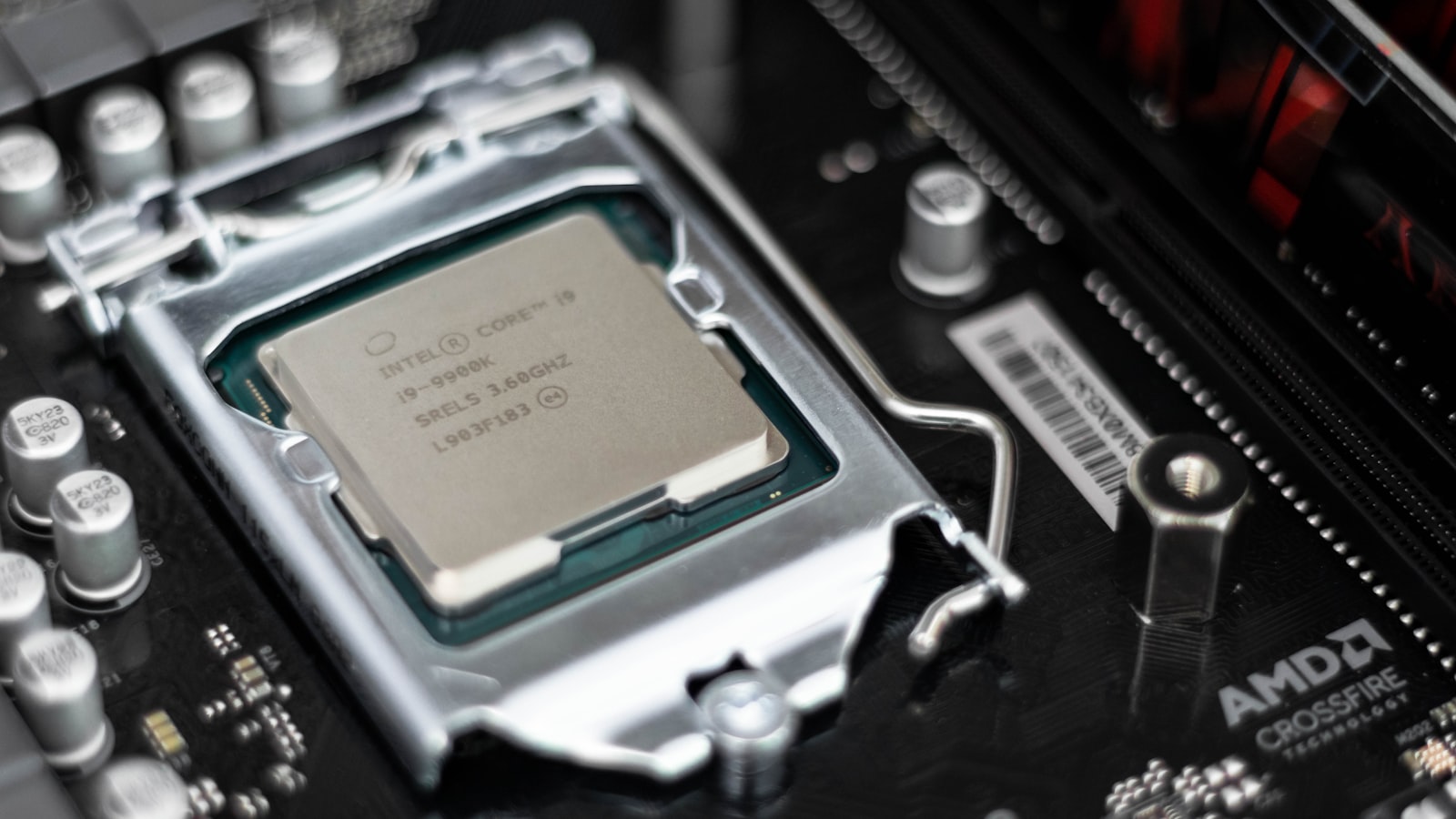
I've spent more hours than I'd like to admit swapping coolers, reseating chips, and staring at frame-time graphs, and the one lesson that keeps proving itself is that the most expensive CPU is almost never the smartest gaming buy. Value in a processor isn't about the headline core count or the boost clock printed on the box; it's about how much real gaming performance you get per dollar once you've paid for the motherboard, the cooler, and the memory it wants. This is my working guide to the CPUs that earn their keep, sorted by the budget bracket most people actually shop in.
How I Judge Value in a Gaming CPU#
Before I rank anything, here's the lens I use, because "best value" means nothing without a definition.
- Frames per dollar, not cores per dollar. A chip with more threads can lose to a leaner one in games if its per-core speed or cache is worse. Games mostly reward a handful of fast cores.
- Platform cost, not sticker price. A cheap CPU that forces an expensive board and a beefy cooler isn't cheap. I always add the realistic board and cooling tax before I call something a bargain.
- Upgrade runway. A socket that will accept a future generation is worth real money, because it lets you drop in a better chip later without rebuilding the whole machine.
- Resolution honesty. The CPU matters most at 1080p and high refresh. At 4K, the GPU does the heavy lifting and the gap between a mid-range and a flagship CPU shrinks to something you'll rarely feel.
Keep those four in mind and the rankings almost sort themselves.
Why Six Fast Cores Still Win Most Games#
The single most useful thing I can tell a first-time builder: you do not need eight or twelve cores to game well. The overwhelming majority of titles lean on four to six threads hard and treat the rest as spillover. A modern six-core chip with strong single-thread performance will run nearly everything at the frame rates its price class implies.
Where more cores genuinely help:
- You stream, record, or run a browser wall of tabs while playing. Background encoding loves extra threads.
- You play a few notoriously CPU-hungry simulation or strategy games — think large-map 4X titles, city builders, or heavily modded sandboxes where the simulation itself is the bottleneck.
- You also do content work — video editing, compiling code, 3D rendering — where cores scale almost linearly.
If none of those describe you, spending up for core count is money that would do more good on your graphics card. I've talked more than one friend out of a pricey chip and into a better GPU with the difference, and they've never regretted it.
Entry Level: The Budget Bracket#
This is where value is most brutal and most rewarding, because the platform tax dominates.
What to look for#
At the bottom of the market, your enemy is the hidden cost. A processor that ships with a competent stock cooler and runs on the cheapest current-gen boards can beat a nominally faster chip that needs a tower cooler and a mid-tier motherboard to behave.
My priorities here:
- A bundled cooler that actually works at stock. This alone can save the price of a game or two.
- An inexpensive but current chipset so you're not paying for features a budget build won't use.
- Integrated graphics as a safety net. A chip with a basic iGPU lets you boot, troubleshoot, and even limp along if a GPU purchase slips a month. That flexibility is underrated.
The trade-off to accept#
You'll give up some multi-core grunt and you may cap out on memory speed sooner. That's fine. At this tier, the goal is a machine that plays today's games smoothly at 1080p, and a good six-core budget part does exactly that. Don't chase benchmarks you'll never load.
The Sweet Spot: Mainstream Mid-Range#
If I had to point every reader at one bracket, it would be this one. The mid-range is where price and performance shake hands, and it's the tier I recommend most often.
Why it wins:
- You get six to eight genuinely fast cores, enough for gaming plus light multitasking with room to spare.
- Board prices are reasonable, and you can pair the chip with mid-range memory without the returns falling off.
- The cooler requirement stays sane — a modest tower or a well-chosen bundled unit keeps it quiet.
This is the class that pairs naturally with a mainstream graphics card and drives a high-refresh 1440p monitor without becoming the bottleneck. When people ask me what to buy and give me no other constraints, this is the honest answer: a strong mid-range chip on a platform with upgrade room. You'll feel almost none of the flagship's advantages in games, and you'll have spent the savings where it counts.
A note on the "gaming" variants#
Some manufacturers sell cache-heavy versions of their chips aimed squarely at players. The extra on-die cache does real, measurable work in CPU-bound titles — large simulations, competitive shooters at uncapped frame rates, and games with sprawling worlds that thrash memory. If those genres are your bread and butter, the premium can be worth it. If you play a broad mix at 1440p or 4K, the benefit narrows and the standard chip is the better value. Match the tool to the workload rather than buying the label.
Upper Mid-Range: Chasing High Refresh#
Once you're driving a 240Hz-plus panel at competitive settings, the CPU starts to matter again, because you're deliberately removing the GPU as the limiter by dropping resolution and detail.
What justifies the step up here:
- Higher sustained clocks that lift the frame-rate ceiling in esports titles.
- Extra cache on the gaming-focused SKUs, which pays off exactly in the low-resolution, high-frame-rate scenario competitive players live in.
- Enough threads to keep a capture card or streaming encoder fed without dropping frames.
The caveat I always add: be honest about your monitor and your games. If you're not actually pushing hundreds of frames per second, you're paying for a ceiling you'll never touch. This tier rewards a specific kind of player. Everyone else is better served one bracket down.
The Enthusiast Tier: Where Value Gets Thin#
I won't pretend the flagships aren't fun. They are. But as a value proposition for gaming alone, they're the weakest pick on this page, and I'd be doing you a disservice to dress that up.
The math rarely works because:
- In games, the gap over a good mid-range chip is small and shrinks further the higher your resolution.
- They often demand premium boards, faster memory, and serious cooling, so the true platform cost balloons well past the chip's price.
- The extra cores mostly sit idle while you game.
When they're actually justified:
- You do heavy content creation alongside gaming and the cores earn their money in rendering or compiling.
- You want a no-compromise build and have decided, eyes open, to pay for the last few percent.
There's nothing wrong with buying one — just don't tell yourself it's a value play. It's a want, and wants are allowed. I just want you making the choice deliberately.
This is the part builders skip and regret. A CPU never arrives alone.
- Motherboard: Cheaper chips can still tempt you onto pricey boards for features you won't use. Buy the chipset your build actually needs.
- Cooler: If the chip includes a capable cooler, that's real money saved. If it doesn't, budget for one before you call the CPU affordable.
- Memory: Some platforms only shine with faster, pricier kits. Factor that in — a chip that's cheap but hungry for expensive RAM isn't the deal it looks like.
- Upgrade path: A long-lived socket lets you drop in a better chip in two years for the cost of the CPU alone. That saved rebuild is genuine value you bank later.
Add all of it up before you compare two chips. The winner on a spreadsheet of sticker prices is often the loser once the whole platform is on the table.
My Quick Recommendations by Player#
To make this concrete, here's how I'd steer a few common builders:
- Tightest budget, 1080p gaming: A current six-core chip with a bundled cooler and an iGPU. Spend the savings on the GPU.
- The default 1440p build: A strong mid-range six-to-eight-core chip on a socket with upgrade room. This is the answer for most people.
- Simulation and strategy diehards: The cache-heavy gaming variant of a mid-range chip — the cache genuinely earns its cost here.
- Competitive high-refresh player: Upper mid-range with high clocks and extra cache, paired with a monitor that can actually use the frames.
- Gamer who also creates: Step into more cores, but only because your non-gaming work will use them.
The Bottom Line#
Value in a gaming CPU comes from restraint. Buy the fast six or eight cores your games actually use, price the whole platform rather than the chip in isolation, and put the money you save into the graphics card and monitor you'll notice every single day. Do that and you'll end up with a machine that feels faster than its price suggests — which, after all the cooler swaps and frame-time graphs, is the only benchmark that has ever mattered to me.