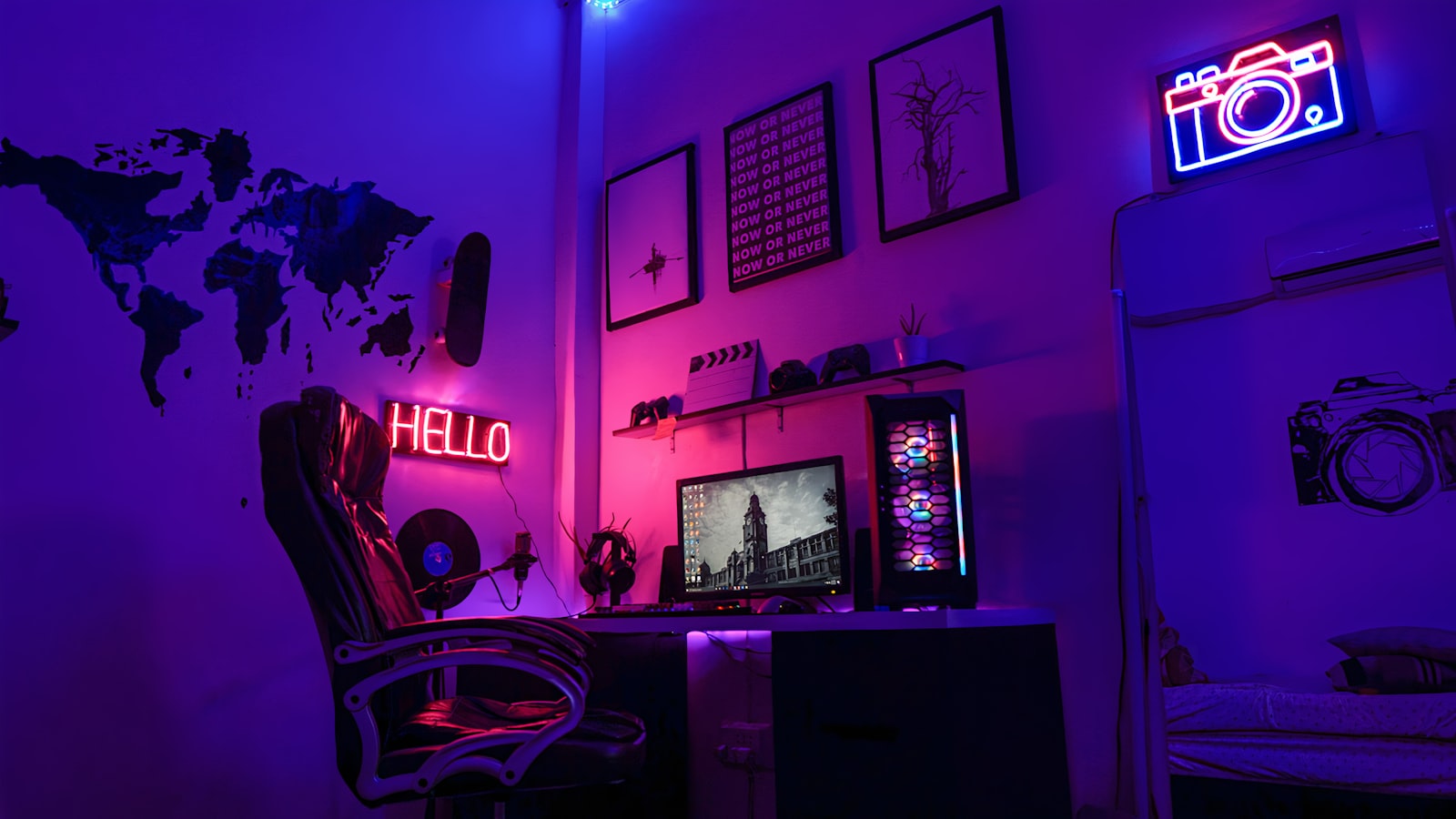
The first time I finished a small form factor build, I sat there for a minute just holding it, because a machine that fits under my monitor arm had no business punching as hard as it did. That feeling is exactly why SFF is addictive. But before you cannibalize your desk in the name of minimalism, you should understand that every liter you shave off comes with an invoice attached, and it is not always paid in cash.
Why Anyone Builds Small in the First Place#
Let me be honest about the appeal, because it is real and it is not just aesthetics. A well-executed SFF machine changes your relationship with your desk. It disappears. You get floor space back, you can actually pick the thing up with one hand, and if you travel to LAN events or move apartments every couple of years, that portability is genuinely life-improving.
There is also a craftsmanship angle that a full tower never gives you. Cramming a full-power system into a shoebox is a puzzle, and solving it well is satisfying in a way that dropping parts into a spacious mid-tower simply is not. If you enjoy the building as much as the using, SFF scratches an itch.
But the reasons people talk themselves out of it matter just as much:
- The belief that small automatically means underpowered (mostly false today)
- The fear of thermal throttling (real, but manageable)
- The assumption that it costs a fortune (partly true, and worth quantifying)
Let's walk through what actually happens when you commit.
The Cost Premium Is Real, and It Hides in the Boring Parts#
The GPU and CPU you'd buy for a small build are usually the same ones you'd buy for a big one. The premium lives in the supporting cast.
Mini-ITX motherboards#
An ITX board almost always costs more than the equivalent micro-ATX or ATX board with the same chipset. You are paying more for fewer features, fewer RAM slots (two instead of four), and fewer PCIe and M.2 options. That is the tax for the engineering density. It is not a rip-off, exactly, but you should walk in expecting to pay a premium for less on paper.
SFX and SFX-L power supplies#
Standard ATX power supplies are a commodity, produced in enormous volume, and priced accordingly. SFX units are a smaller market, so the same wattage and quality tier costs meaningfully more. Skimping here is a mistake I see constantly, and it is the one that scares me, because a tiny case concentrates heat right on top of that PSU.
Everything else that adds up#
- Low-profile or specialized coolers often cost more than a generic tower cooler that would never fit.
- Custom or short cables (or a modular PSU you buy specifically for cable management) become non-optional when there's no room to stuff excess.
- Riser cables for GPUs in sandwich-layout cases are another line item, and a quality PCIe 4.0 or 5.0 riser is not cheap.
Budget an honest premium over an equivalent standard build. The exact figure swings with the case and parts you choose, but the pattern is consistent: you pay more to get less internal room.
Thermals: The Trade-off You Cannot Design Away#
Physics does not care how clean your build looks. Less internal volume means less air to buffer heat spikes and less room for large, slow, quiet fans. This is the central compromise of the entire category, so plan for it rather than hope around it.
Here is what tends to happen in a compact chassis:
- Components soak each other's heat. Your GPU dumps warmth that your CPU cooler then has to breathe. In a big case they're far apart; in SFF they're neighbors.
- Fans run faster to move the same air, which means more noise at the same thermal load. Small builds are often louder than big ones doing identical work.
- VRM and SSD temperatures climb because there's no lazy ambient air moving past them.
How I actually manage it#
- Buy the case for its airflow first, and its looks second. Mesh panels beat solid glass every time for a performance-focused SFF build. A gorgeous solid-sided case that suffocates your GPU is not a good deal.
- Undervolt the GPU and CPU. This is the single highest-impact thing you can do. Modern chips are pushed hard from the factory, and pulling voltage back a notch often costs you a rounding error of performance while dropping temperatures and noise dramatically. In a small box, undervolting is not optional tuning, it is part of the build.
- Respect airflow direction. Decide whether the GPU exhausts into the CPU's intake, and if it does, expect to make peace with it or reorient. Sandwich-style cases especially force you to think about this.
- Do not blindly chase the biggest GPU. The largest, hottest, triple-fan flagship cards are frequently the wrong choice for SFF even when they physically fit, because they turn the interior into an oven. A slightly lower tier that runs cooler is often the smarter compact pick.
Clearances Will Humble You#
Standard builds forgive sloppy planning. SFF punishes it. Before I buy a single part now, I spend real time confirming three numbers against the case manufacturer's published limits:
- GPU length, height, and thickness. Thickness matters more than people expect in sandwich layouts, where a 2.5-slot card might not clear the riser bracket even if the length is fine.
- CPU cooler height. Miss this by a couple of millimeters and the side panel will not close. There's no fudging it.
- PSU length and cable clearance. SFX-L is longer than SFX, and some cases only take one. The cables coming out of the PSU also need somewhere to go.
The RAM-and-cooler conflict#
One clearance trap deserves its own callout: tall RAM heatsinks fighting the CPU cooler. In compact air-cooled builds this bites people constantly. Low-profile memory exists for exactly this reason, and I default to it in SFF unless I've confirmed the cooler clears fancy tall sticks. It is a boring detail that turns into a returned cooler or a Dremel session if you ignore it.
Air or Liquid? A Genuinely Hard Call in SFF#
In a big case, this is a preference. In a small one, it is a design decision with consequences.
Low-profile air cooling is simpler, has fewer failure points, and doesn't consume a fan mount you might need for case airflow. The ceiling on cooling capacity is lower, but for mid-range chips it is often plenty, and there's no pump to fail.
A compact all-in-one liquid cooler can move more heat and let you run a hotter CPU, but the radiator eats a panel that could have been intake or exhaust, the tubing complicates an already tight assembly, and you've added a pump as a point of failure inside a box that's annoying to service.
My rough rule: match the cooler to the chip's real appetite, not to the marketing. A power-efficient mid-tier CPU is happy on quality air in SFF. If you insist on a top-tier, high-power chip, be ready to give up a fan mount to liquid, and be ready for the noise anyway.
Serviceability and Upgrades: The Quiet Sacrifice#
This is the trade-off nobody mentions until they're living with it. A full tower is a joy to work in. You reach in, swap a part, done.
An SFF build is often a partial teardown to change anything. Want to add an M.2 drive that lives under the GPU? That may mean pulling the graphics card and the riser. Swapping RAM might mean removing the cooler. None of this is hard, but it is time, and it discourages casual tinkering.
Upgrade paths are narrower too:
- Two RAM slots means upgrading capacity usually means replacing both sticks, not adding to them.
- Limited PCIe and M.2 slots cap how much storage and how many add-in cards you can grow into.
- PSU headroom is tighter, because you likely sized a smaller unit closely to your needs, leaving less room for a hungrier future GPU.
Build an SFF machine as a considered whole, not as a platform you'll casually expand for five years. It rewards intention and punishes "I'll figure it out later."
Who Should Actually Build Small#
After a fair number of these, here's my honest filter.
Build SFF if you:
- Value desk space or portability enough to pay and plan for it
- Enjoy the assembly puzzle itself
- Are willing to undervolt and tune rather than run everything at stock
- Can commit to picking every part deliberately around clearances and airflow
Think twice if you:
- Want maximum performance per dollar with zero fuss
- Plan to upgrade piecemeal over many years
- Hate fan noise and won't tune for it
- Are building your very first PC (do one standard build first; the fundamentals transfer and the frustration is lower)
The Bottom Line#
Small form factor is not a compromise so much as a different set of priorities. You trade money, thermal headroom, quiet, and easy serviceability for space, portability, and the genuine pleasure of a dense, deliberate machine. None of those sacrifices are dealbreakers if you go in clear-eyed: buy for airflow, budget the premium, measure every clearance twice, undervolt without guilt, and treat the build as a finished object rather than a growing one. Do that, and you end up with something that punches far above its size and quietly disappears into your desk. Skip the planning, and you end up with an expensive, throttling puzzle you have to disassemble every time you sneeze. The difference is entirely in the preparation, and that part is free.